
Settings
The Settings page is where you manage basic account preferences that affect payments, online ordering, security, and your Register experience. Each section controls a specific part of how Slice works for your shop.
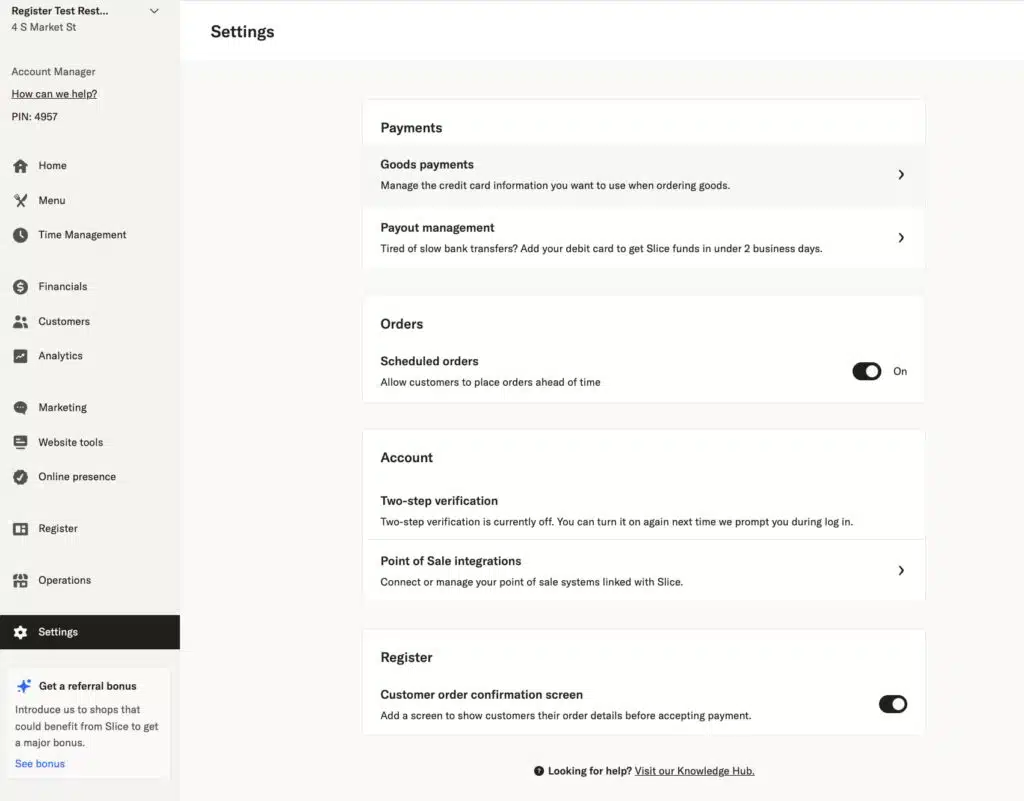
Payments
Payment settings control how you pay Slice for goods and how Slice sends payouts to your shop.
Goods payments

This is where you add a credit card to use when ordering The Goods from Slice, such as boxes and packaging. The card saved here is used only for The Goods orders.
Payout management

This is where you can add a debit card to receive your Slice payouts faster. Adding a debit card is optional, but it is required to receive the fastest possible payouts.
Orders
Scheduled orders
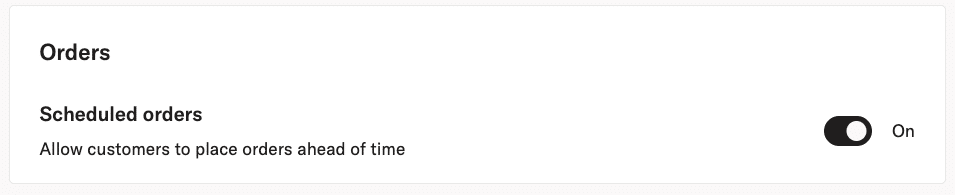
This setting controls whether customers can place orders ahead of time through Slice online ordering.
When scheduled orders are on, customers can place orders for a future pickup or delivery time. When scheduled orders are off, customers can still place ASAP orders, but cannot place orders for a future time.
This setting applies to all new Slice online orders and takes effect immediately. Turning scheduled orders off does not affect orders that were already scheduled.
Account
Two step verification

If two step verification is enabled on your account, this is where you can turn it off. Two step verification is turned on during login, not from this page.
If you turn it off here, the change takes effect the next time you log in.
Point of sale integrations

This is where you connect or manage your point of sale integrations with Slice. Available integrations include Square, Clover, and Facebook. This section is used only to manage those connections.
Register
Customer order confirmation screen
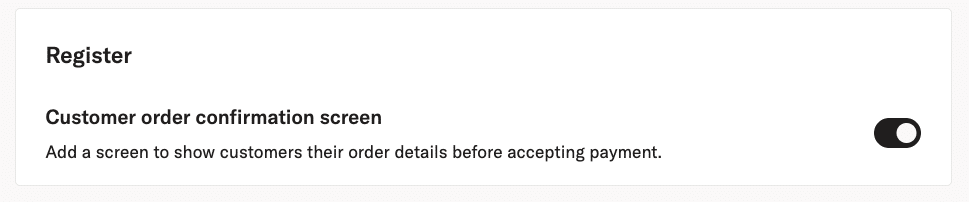
This setting controls whether the customer order confirmation screen is shown on your Register iPads before payment is accepted.
When enabled, customers review their order details on screen before payment. This setting applies to all registers and all payment types. It is required in some jurisdictions before accepting payment.